



Lingel Learning Celebrates 5th Consecutive Win as Moodle Certified Partner of the Year

How to reduce the Storyline published file size?

If you have large images, audio or video in a Storyline file and you need to reduce the size of your published output, simply edit the quality settings by following the steps below:

1) Click the Publish button
2) Under Properties, Quality: click Custom optimization
3) Click Custom and then adjust the Video, Audio and Image quality.

Share this article
On this Page
Latest Articles
CPD Compliance Training Management: What Your LMS Needs Before the Next Audit
8 September 2026
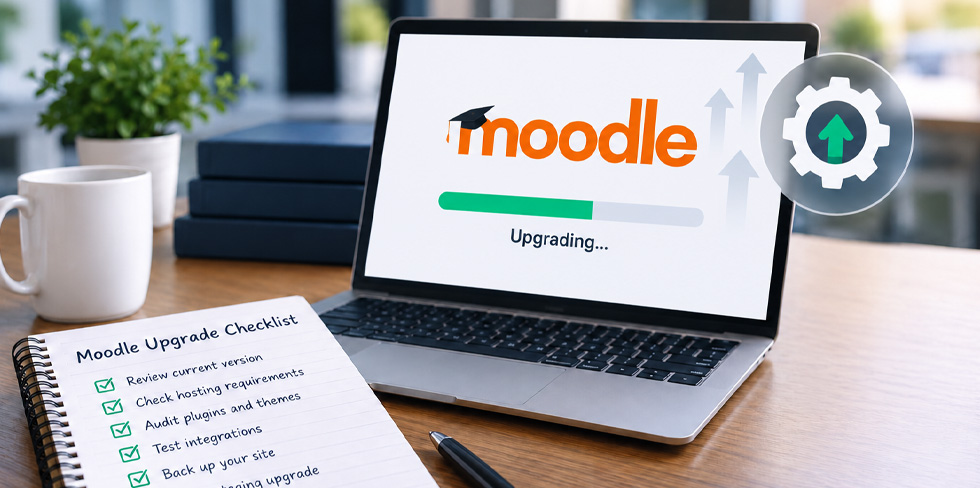
Moodle Upgrade Checklist: What to Review Before Moving to a New Moodle Version
28 August 2026
Why Data Quality Matters More Than Reporting in Your LMS
26 July 2026
How Better Course Design Improves Learner Engagement in Moodle
25 June 2026

Related Articles

CPD Compliance Training Management: What Your LMS Needs Before the Next Audit
September 8, 2026
Moodle Upgrade Checklist: What to Review Before Moving to a New Moodle Version
August 28, 2026
Why Data Quality Matters More Than Reporting in Your LMS
July 26, 2026